
Step 1
Record a completed service
Select an existing customer or add a new one in a few seconds.
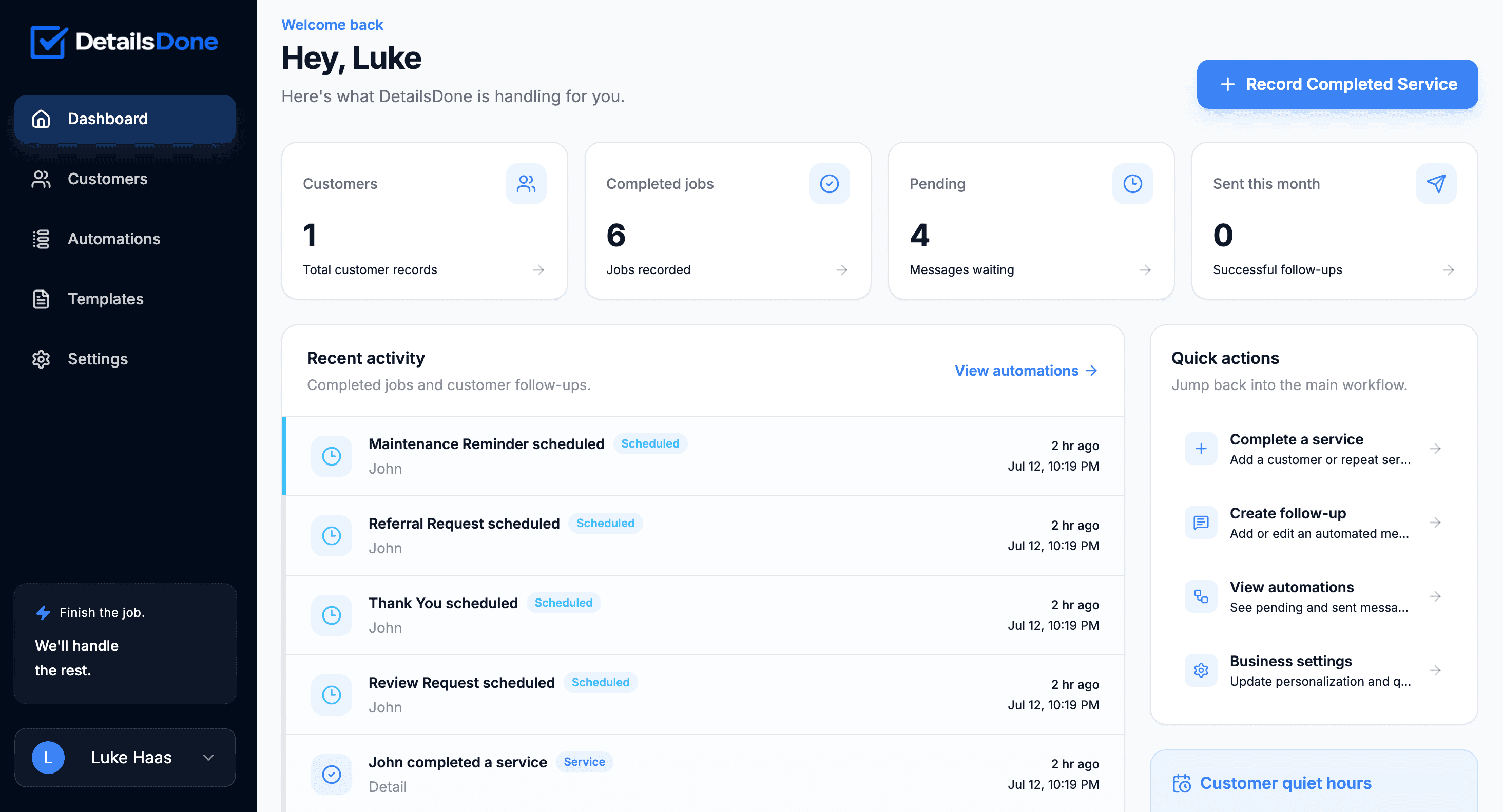
Automatically send thank-you messages, review requests, referral follow-ups, and future service reminders after every completed job.
Consent-aware
Only schedule messages for opted-in customers
Quiet-hour protected
Avoid unwanted late-night messages
Built for service businesses
One action starts the entire follow-up
How it works
DetailsDone turns a simple service record into a complete customer follow-up sequence.
Step 1
Select an existing customer or add a new one in a few seconds.
Step 2
Your enabled thank-you, review, referral, and reminder messages are queued automatically.
Step 3
Customers receive the right message at the right time while you focus on the next job.
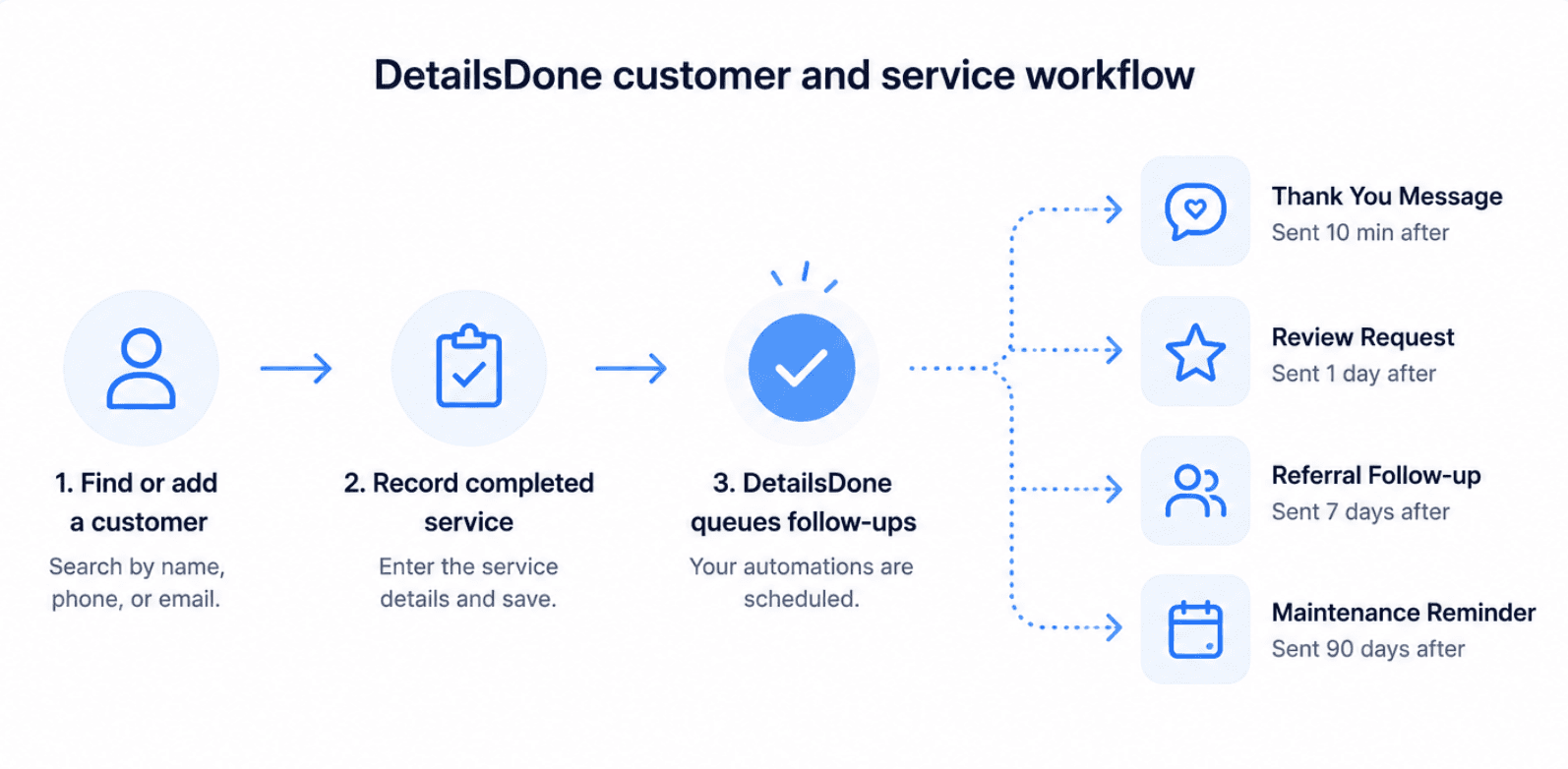
No complicated CRM process. Search for the customer, enter the completed service, and let your predefined follow-up sequence begin.
Fast repeat-customer workflow
Search by name, phone, or email instead of entering the same information again.
Automatic message scheduling
Every enabled follow-up is queued with the correct delay and sending window.
A clear activity history
See scheduled, sent, cancelled, and failed messages in one place.
Everything you need
Build a customer experience that continues long after the service is complete.
Send a personalized message shortly after every completed service.
Ask satisfied customers for reviews while the experience is still fresh.
Stay top-of-mind and turn happy customers into new business.
Bring customers back when it is time for their next service.
Messages scheduled overnight automatically wait until your approved sending window.
Record how each customer opted in before automated messages are scheduled.
The work may be finished, but the customer relationship is not. DetailsDone makes sure every completed job has a chance to produce a review, referral, or repeat booking.
Simple pricing
Start building stronger customer relationships without another complicated software bill.
DetailsDone
Everything you need to automate customer follow-ups after each completed service.
SMS activation requires one-time business verification. Most approvals complete within 1–2 business days.
Frequently asked questions
DetailsDone is designed to make business texting and customer follow-up feel straightforward.
Most businesses can complete the DetailsDone setup in about 5–10 minutes. SMS activation requires carrier verification, which commonly takes 1–2 business days.
No. DetailsDone is designed to handle the messaging infrastructure and carrier-registration process for you.
When you record a completed service, DetailsDone schedules each enabled follow-up according to the timing you selected.
Yes. You can edit the wording, delay, sending channel, and enabled status of every follow-up.
You confirm that each customer has agreed to receive the message types you enable and record how that consent was obtained. DetailsDone also handles standard STOP and HELP replies.
Yes. DetailsDone is a monthly service with no long-term commitment.
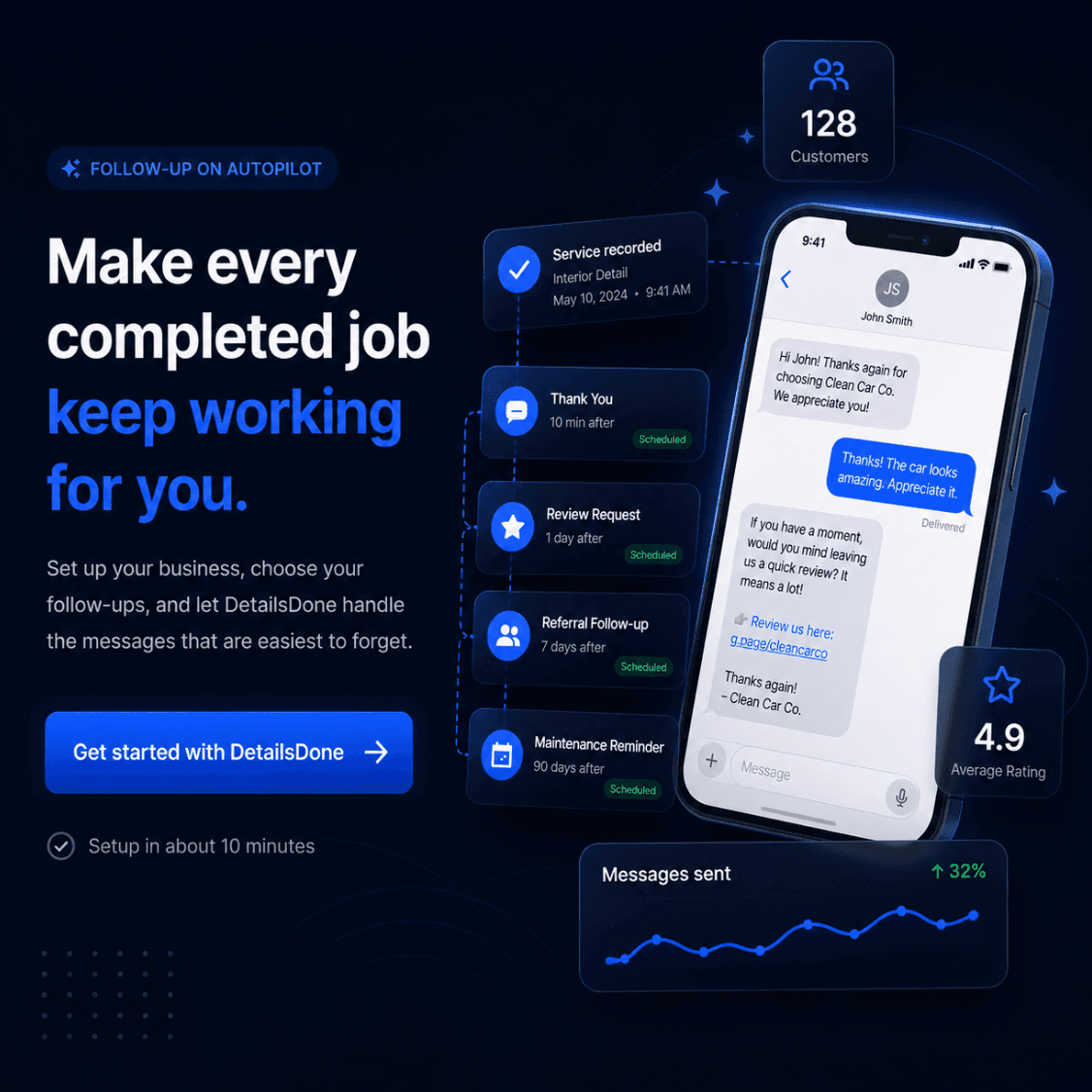
Set up your business, choose your follow-ups, and let DetailsDone handle the messages that are easiest to forget.
Get started with DetailsDone